
Kling Motion Control — Photo-to-Motion Animation
Kling Motion Control turns a single photo and reference clip into a smooth, lifelike motion video. Kling Motion Control focuses on realistic movement, frame stability and fast, mobile-ready exports for sharing and editing.
video1
video2
video3
video4
Feedback
AI Tools
Discover AI Generator features and capabilities

Nano Banana2
Best Image Generator

Kling3
Next-Gen AI Video Generator

Veo3
Create Stunning Videos with Veo3.1

Seedance2.0
The Future of AI Video Is Here.
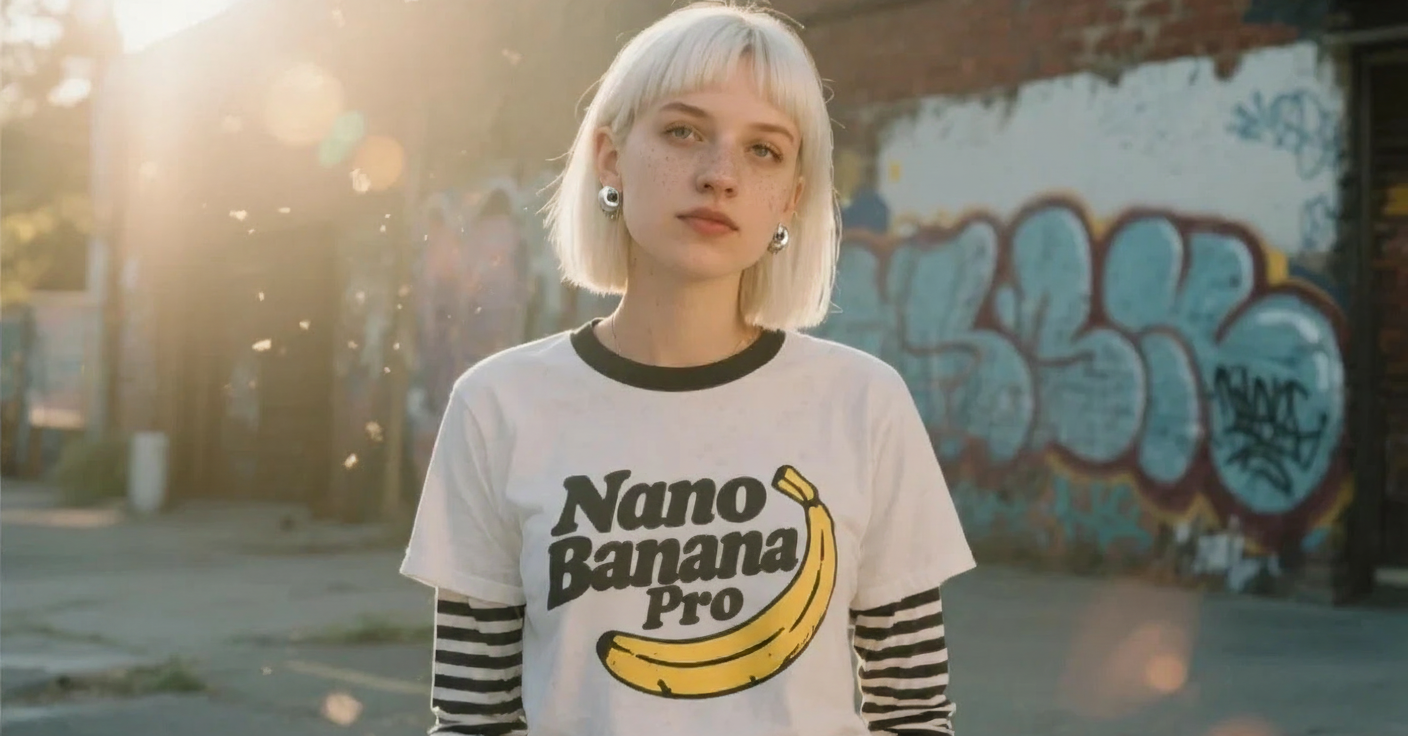
Nano Banana Pro
Advanced AI Image Generator
Kling Motion Control
Turn reference images into amazing motion videos in minutes
Sora2 Video Generator
Advanced AI Video Generator for High-Quality Videos

Suno AI Music Generator
Create Professional Music with AI
Why use Kling Motion Control
Kling Motion Control converts still images into convincing motion videos by transferring timing and movement from reference clips. Kling Motion Control preserves subject integrity while generating smooth, export-ready motion.
- Reference-DrivenLeverage reference clips to produce realistic motion profiles with Kling Motion Control.
- Frame StabilityKeep subject identity and alignment consistent across animated frames using Kling Motion Control.
- HD OutputExport smooth MP4s up to 1080p for sharing and editing from Kling Motion Control.
How to use Kling Motion Control
Animate a photo in three steps with Kling Motion Control: upload a photo, choose a reference clip to transfer motion, and render the motion video for export.
Kling Motion Control Features
Kling Motion Control provides reference-driven motion transfer, consistent frame alignment, and rapid HD exports to turn photos into motion videos.
Reference Transfer
Apply motion profiles from example clips to still photos using Kling Motion Control.
Frame Consistency
Maintain subject alignment and identity across frames for believable motion.
Multiple Styles
Generate dance, subtle pans or dynamic actions with selectable styles in Kling Motion Control.
Export Ready
Output smooth MP4s up to 1080p ready for sharing and editing.
Intuitive Controls
Adjust motion intensity, timing and easing curves quickly to refine results.
Fast Turnaround
Produce motion clips in minutes to iterate rapidly with Kling Motion Control.
Kling Motion Control — FAQs
Answers about Kling Motion Control inputs, supported motion types, and export options for animated photo clips.
What is Kling Motion Control?
Kling Motion Control animates photos by transferring motion from reference clips to create realistic motion videos.
Which motion types work?
Dance, gestures, sports moves and subtle camera pans can be generated using suitable reference clips.
Turnaround time?
Most Kling Motion Control clips render in minutes depending on clip length and queue.
Can I export the clip?
Yes — download MP4 files after Kling Motion Control finishes rendering.
Commercial usage?
Refer to your subscription and licensing terms to confirm commercial use of Kling Motion Control outputs.
Available resolutions?
Kling Motion Control supports 480p, 720p and 1080p export options.
Start with Kling Motion Control
Animate images into motion videos—fast and mobile-ready with Kling Motion Control.